
The biggest source of confusion in the Next.js App Router is deciding whether a component should be a Server Component or a Client Component. Get it right and you ship fast pages with minimal JavaScript. Get it wrong and you either lose interactivity or drag your whole tree into the browser. Here’s the mental model that makes the choice obvious.
The default is Server
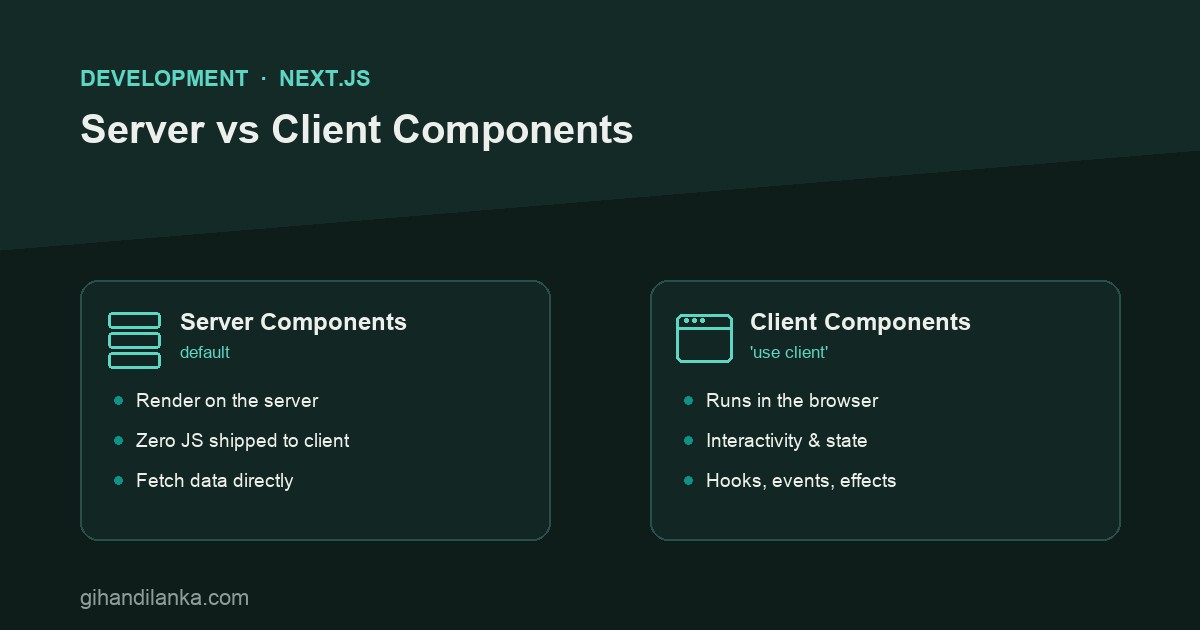
In the App Router, every component is a Server Component unless you say otherwise. Server Components render on the server, ship zero JavaScript for themselves to the browser, and can fetch data directly — hit the database, read a file, call an API — without an extra round trip. This is a feature, not a limitation: most of a typical page is static content that has no business running in the browser.
// app/posts/page.tsx — a Server Component (no "use client")
// It can be async and fetch data right here.
export default async function PostsPage() {
  const posts = await db.post.findMany();   // runs on the server

  return (
    <ul>
      {posts.map((p) => (
        <li key={p.id}>{p.title}</li>
      ))}
    </ul>
  );
}
Reach for Client when you need interactivity
You add "use client" at the top of a file when the component needs the browser: state (useState), effects (useEffect), event handlers (onClick), or browser-only APIs. These can’t run on the server, so this component ships its JavaScript to the client and hydrates there.
"use client";
import { useState } from "react";

export function LikeButton() {
  const [likes, setLikes] = useState(0);
  return <button onClick={() => setLikes(likes + 1)}>♥ {likes}</button>;
}
The boundary — and the mistake everyone makes
"use client" marks a boundary: that component and everything it imports becomes client-side. The classic mistake is slapping "use client" at the top of a page because one small part needs a click handler — which drags the entire page, data fetching and all, into the browser. The fix is to push the boundary down: keep the page a Server Component, and make only the interactive leaf (the button, the form, the dropdown) a Client Component.
A powerful pattern: a Server Component can render a Client Component and pass server-fetched data to it as props. So you fetch on the server (fast, no client JS for the fetch) and hand the result to a small interactive island. You rarely need a big client tree — you need a server page with a few client leaves.
A simple decision rule
- Does it use state, effects, event handlers, or browser APIs? → Client Component.
- Does it just render content or fetch data? → Server Component (the default — leave it alone).
- Need both on a page? → Server page, with the interactive bits extracted into small Client Components.
The takeaway
Default to Server Components, and only cross into Client Components where you genuinely need the browser — then keep that boundary as low in the tree as possible. Do that and Next.js gives you the best of both: fast, data-rich pages that ship almost no JavaScript, with islands of interactivity exactly where they’re needed.