
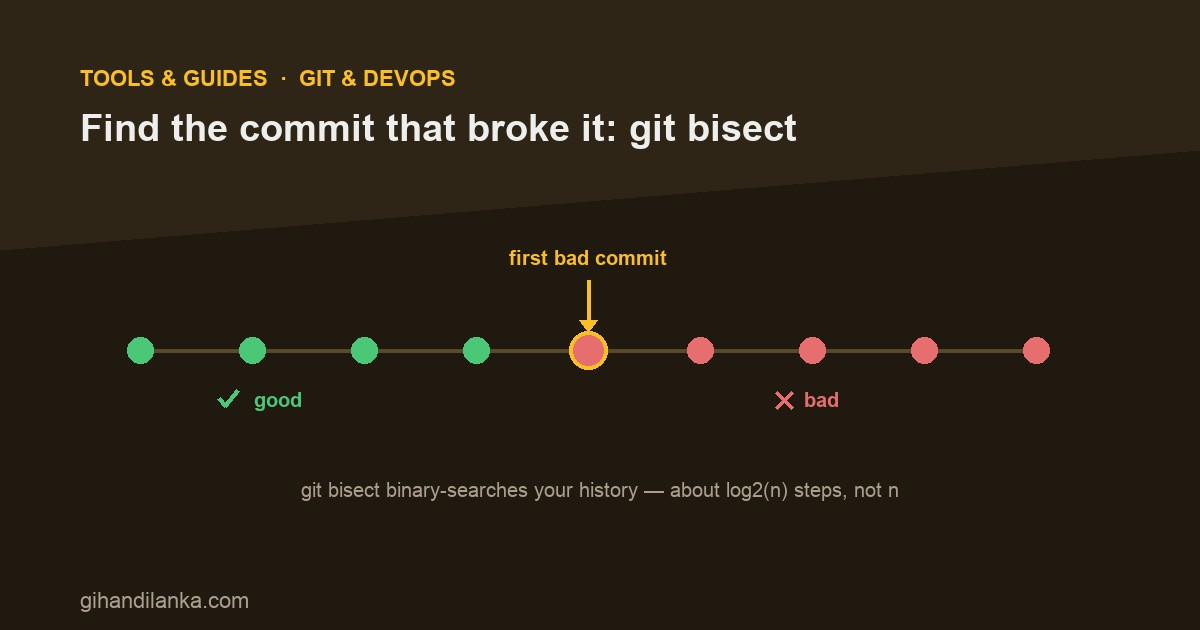
A bug shows up. It wasn’t there last week. Somewhere in the 200 commits since, one of them introduced it — but which? Reading every diff by hand is hopeless. This is exactly what git bisect is for: it binary-searches your history and finds the exact commit that broke things, usually in a handful of steps instead of hundreds.
The idea: binary search over commits
You tell Git one commit where things worked (good) and one where they’re broken (bad). Git checks out the commit halfway between them and asks: is it good or bad here? Your answer eliminates half the remaining commits. Repeat, and the suspect range halves every time. Across 200 commits that’s about 8 checks — log₂(200) — not 200. It’s the difference between minutes and an afternoon.
The manual walkthrough
# Start a bisect session
git bisect start

# Mark where you are (broken) and a known-good point
git bisect bad
git bisect good v1.4.0        # a tag, or any old commit SHA

# Git now checks out a commit in the middle.
# Test it however you test — run the app, the test, the repro steps.
# Then tell Git the result:
git bisect good    # ...if this commit is fine
git bisect bad     # ...if the bug is present here

# Repeat. Git keeps narrowing until it announces the culprit:
#   abc1234 is the first bad commit

# When done, get back to where you started:
git bisect reset
That’s the whole loop: test, say good or bad, repeat. Git handles the checkouts and the math. At the end it names the first bad commit — and now you have the exact diff that introduced the bug, author and message included.
Automate it with bisect run
If you can check for the bug with a script or a test that exits 0 (good) or non-zero (bad), you don’t even have to sit there. git bisect run drives the whole thing for you.
git bisect start
git bisect bad
git bisect good v1.4.0

# Git checks out each midpoint, runs your command, and reads the exit code:
#   exit 0  -> good,  non-zero -> bad
git bisect run npm test -- --testPathPattern=checkout

# ...go get coffee. Git prints the first bad commit when it's done.
git bisect reset
Write a tiny script that reproduces just the bug (exit non-zero if it’s present), point bisect run at it, and Git finds the culprit unattended. This is the senior move — turn a vague “it broke sometime recently” into a precise commit with one command.
A few practical tips
- Use
git bisect skipfor a commit you can’t test (won’t build, unrelated breakage). Git routes around it. - Keep commits small and atomic. Bisect points at a commit — a tiny commit tells you exactly what changed; a 2,000-line “WIP” commit tells you almost nothing.
- Pick a good “good”. It doesn’t have to be the last known-good commit — any old commit you’re confident worked will do.
- Reproduce reliably first. Bisect only works if your good/bad test gives a consistent answer. Flaky repros produce flaky results.
The takeaway
When a regression appears and you don’t know which change caused it, don’t squint at diffs — bisect it. Mark a good and a bad commit, answer a few good/bad prompts (or hand it a test with bisect run), and Git hands you the exact commit in minutes. It’s one of the highest-leverage Git commands most developers never learn. Learn it before the next “it worked last week.”