
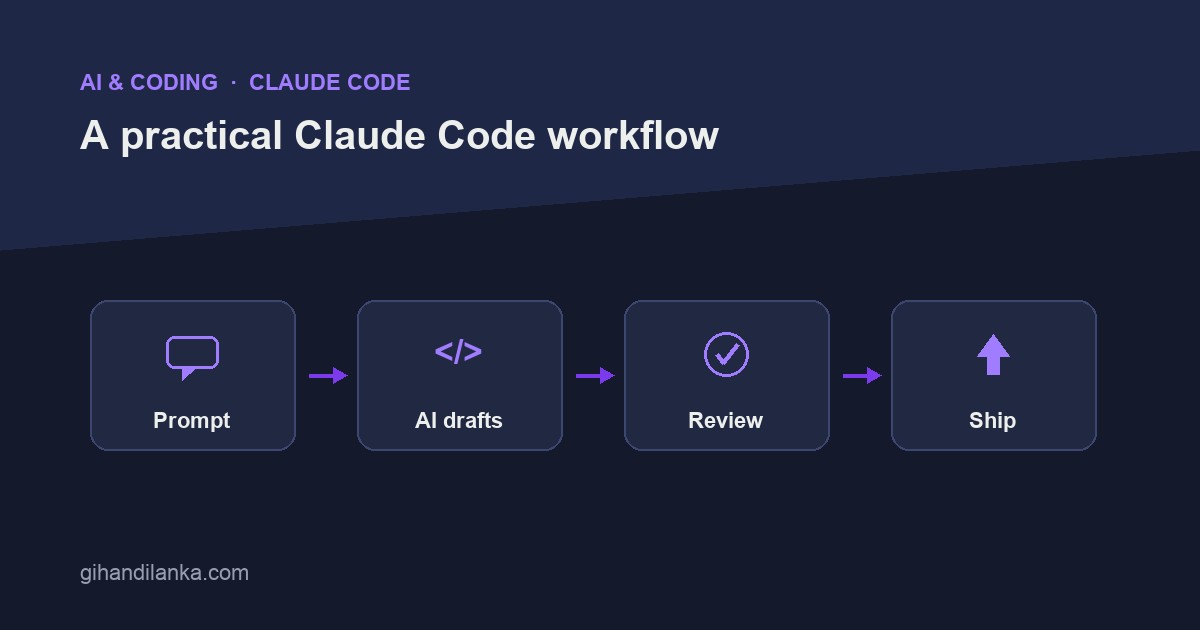
Claude Code isn’t autocomplete. It reads your repository, runs commands, and edits files across your project — which makes it powerful and also makes it easy to misuse. Treating it like a chat box that spits out snippets wastes most of what it can do; letting it run unsupervised invites a mess. Here’s the workflow I actually use to ship real features with it: Prompt → AI drafts → Review → Ship.
1. Prompt with context, not just a request
Because Claude Code can see your codebase, the best prompts point it at the right context and set clear boundaries. Instead of “add rate limiting,” say “add rate limiting to the public API routes using the existing middleware pattern in app/Http/Middleware, 60 requests per minute per IP, and add a feature test.” The more you anchor it to your conventions and the specific files, the closer the first draft lands to something you’d actually merge.
For anything non-trivial, let it explore first. Ask it to read the relevant files and explain its plan before it writes a line. You catch wrong assumptions when they’re cheap — in a sentence — instead of after it’s rewritten five files.
2. Let it draft — in small, scoped changes
The sweet spot is one focused task at a time. A tight scope (“just this endpoint and its test”) produces a diff you can actually review and reason about. A giant “build the whole feature” request produces a sprawling change that’s hard to verify and easy to rubber-stamp. Small drafts also make it trivial to undo and retry when it goes sideways — which it sometimes will.
Keep your work in version control as you go. A clean git state before each task means you can always see exactly what changed and roll back a bad attempt with one command.
3. Review the diff like a pull request
This is the step that separates shipping good code from shipping plausible code. Read every line of the diff the way you’d review a teammate’s PR. Look for the things AI gets wrong often: inventing a method or config flag that doesn’t exist, swallowing errors silently, missing an edge case, or quietly introducing a pattern that doesn’t match the rest of your codebase. If you wouldn’t approve it from a colleague, don’t approve it here.
4. Verify by running, then ship
Code that looks right and code that is right are different things — and Claude Code is very good at producing the former. The strongest guardrail is to actually exercise the change: run the test it wrote, hit the endpoint, trigger the job. Claude Code can run these for you, which closes the loop nicely — it writes the test, runs it, sees it fail, fixes, and reruns. Your job is to confirm the test is testing the right thing, not just that it’s green.
One rule I don’t break: I slow down and personally own the risky parts — migrations, auth, anything touching money or deleting data. Let it draft those if you like, but the decision to ship is yours, with full understanding of what the code does.
A quick example
Say I want to add a “resend confirmation email” endpoint. The loop looks like: I prompt with the context (the existing mailer, the route group, “add a test”); Claude reads those files and proposes a plan; I okay it; it writes the controller method, the route, and a feature test; I review the diff and notice it assumed a method name — I correct it; it runs the test, which passes; I try the endpoint myself once; I commit. Ten minutes, and I understand every line that shipped.
The takeaway
Claude Code is a genuine force multiplier when you drive it: anchor prompts in real context, keep changes small and in version control, review every diff, and verify by running. It handles the tedious typing; you keep ownership of correctness and the risky decisions. That’s the whole trick — AI drafts, you ship.